What are KWSM and the client portal?
Published: 2026-06-13 Last updated: 2026-07-10
A client-facing overview of KWSM: subscription, devices, routers, and payments in one place.
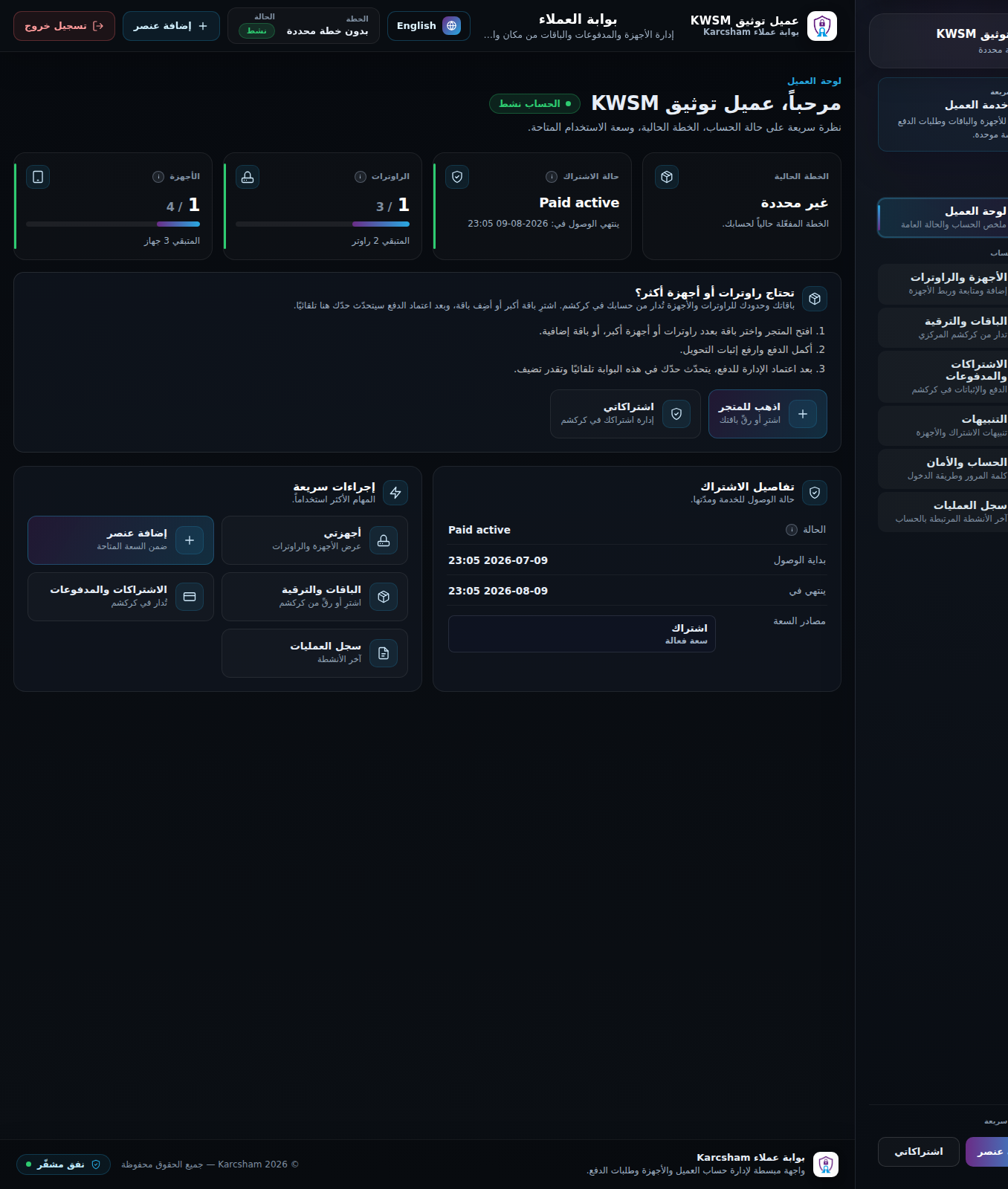
KWSM is KARCSHAM's client portal for secure WireGuard access to customer devices and MikroTik routers. From the client portal you can track your subscription, view available capacity, add a personal device, link a MikroTik router, and review notifications and activity.
What can you do from the client portal?
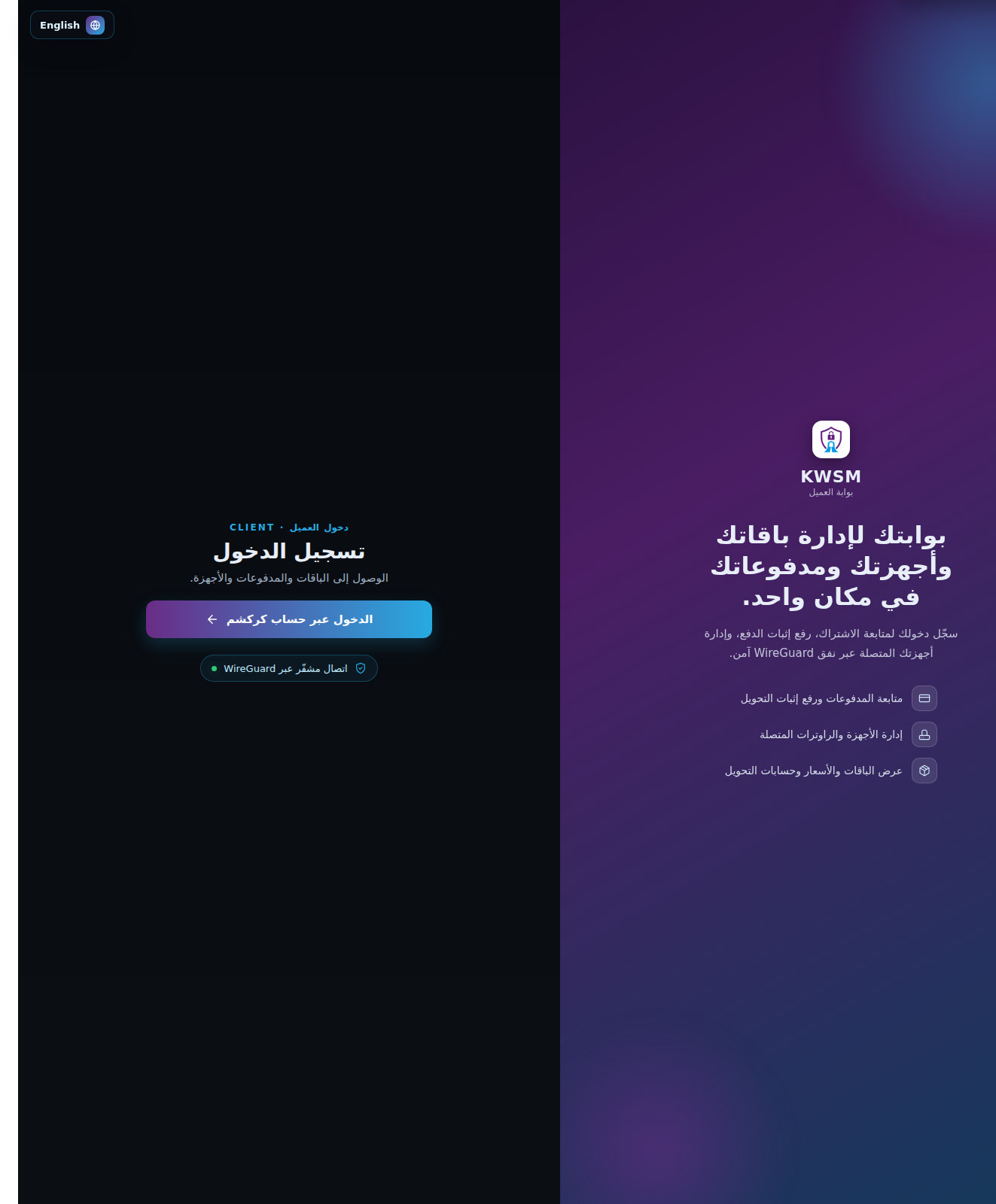
- Sign in through KARCSHAM Central.
- Review subscription status and access start/end dates.
- See used and remaining device/router capacity.
- Add a WireGuard client device and download its configuration once.
- Link a MikroTik router using a generated script, then verify connectivity.
- Open subscriptions and payments in KARCSHAM Central when central billing is enabled.
- Review account, notifications, and audit activity.
What is not handled in the client portal?
- It does not show the internal admin workspace.
- It does not approve payments automatically when review is required.
- It does not show the PrivateKey again after the device file is downloaded.
Reference screenshots